> ## Documentation Index
> Fetch the complete documentation index at: https://shapesinc-4644c49f-cursor-docs-product-refresh-1067.mintlify.site/llms.txt
> Use this file to discover all available pages before exploring further.
# How do I change the language?
> Change the language used by the app.
Tap **Settings** in the bottom nav. Scroll to **App language**, tap the dropdown that shows your current language, then choose the language you want.
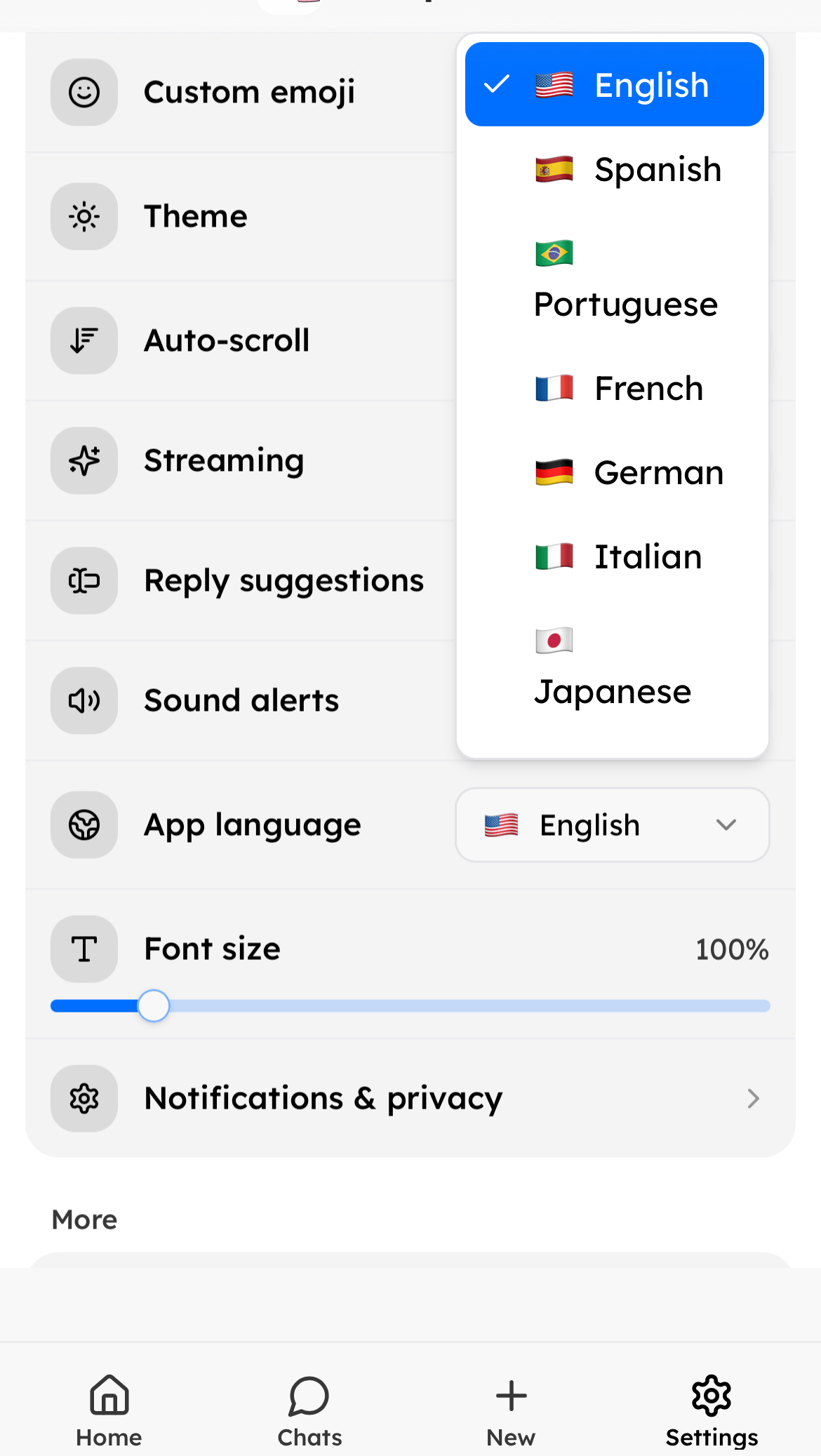 The app updates to the language you choose.
Need more help? Ask in our [support chat](https://talk.shapes.inc/support).
[Back to FAQ](/faq)
The app updates to the language you choose.
Need more help? Ask in our [support chat](https://talk.shapes.inc/support).
[Back to FAQ](/faq)