> ## Documentation Index
> Fetch the complete documentation index at: https://shapesinc-4644c49f-cursor-docs-product-refresh-1067.mintlify.site/llms.txt
> Use this file to discover all available pages before exploring further.
# How do I use voice messages?
> Send and receive voice messages with Shapes.
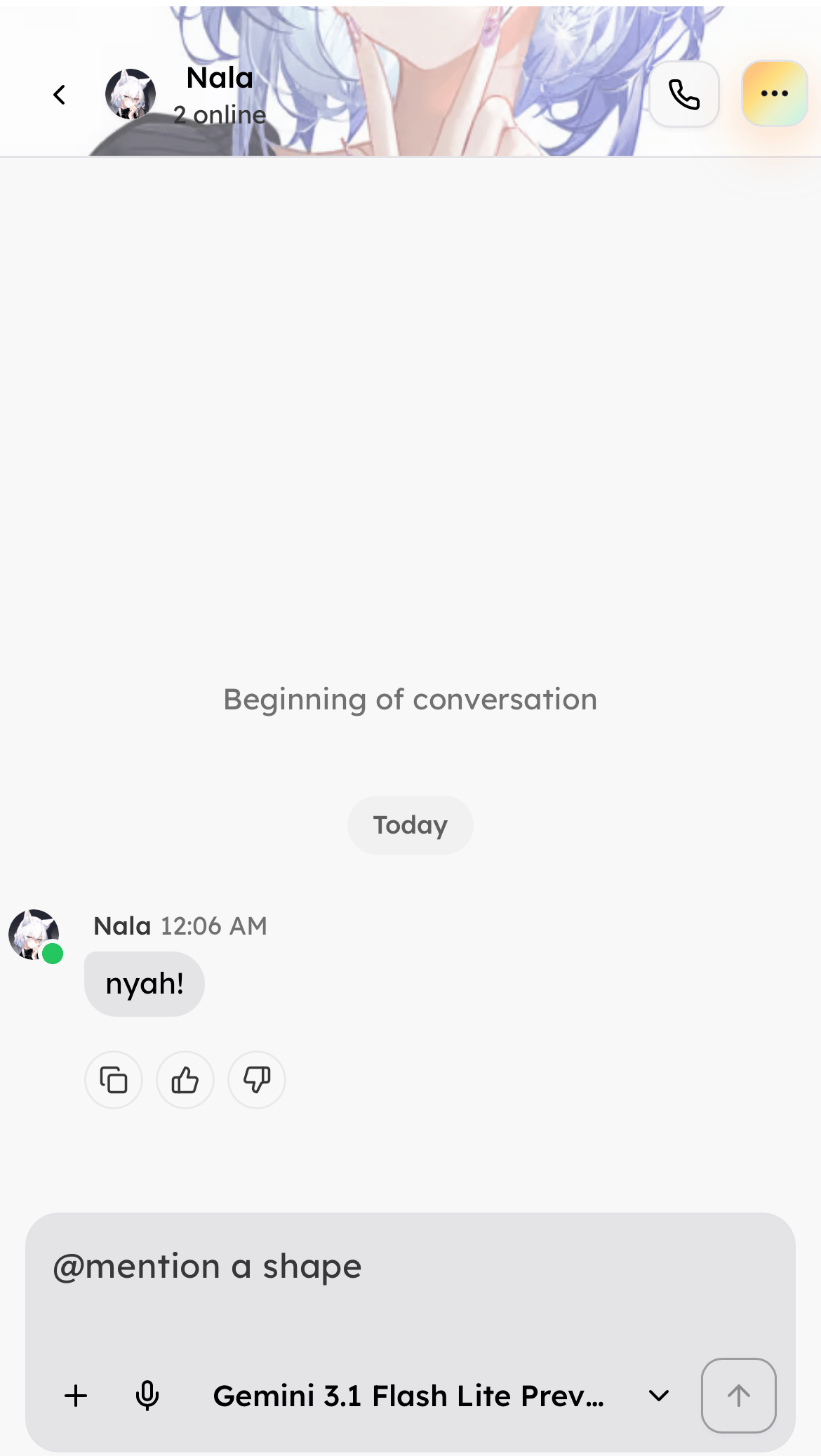
Send a voice message in chat. When you send a voice message to a Shape, the Shape is likely to reply with a voice message too.
In the composer, tap the microphone icon next to the plus button.
Keep at least **500 credits** in your balance to use voice messages.
For more details, read [How to Receive Voice Messages](/how-to-receive-voice-messages) and [How to Give Your Shape a Voice](/how-to-give-your-shape-a-voice).
Need more help? Ask in our [support chat](https://talk.shapes.inc/support).
[Back to FAQ](/faq)