> ## Documentation Index
> Fetch the complete documentation index at: https://shapesinc-4644c49f-cursor-docs-product-refresh-1067.mintlify.site/llms.txt
> Use this file to discover all available pages before exploring further.
# Variables
> Variables act as placeholders that help your shape identify itself and the user it interacts with.
#### **Supported Variables**
1. `{shape}` – Refers to the shape itself.
2. `{user}` – Refers to the user interacting with the shape.
You can use these variables across various fields in your shape's dashboard to guide its responses, set presets, and enhance interactions.
### **Where to Use Variables**
#### **1. Profile Tab**
* You can use `{shape} and/or {user}` in your shape's initial message to make the interaction feel more natural!
* You can use `{shape}` variable to define its appearance.
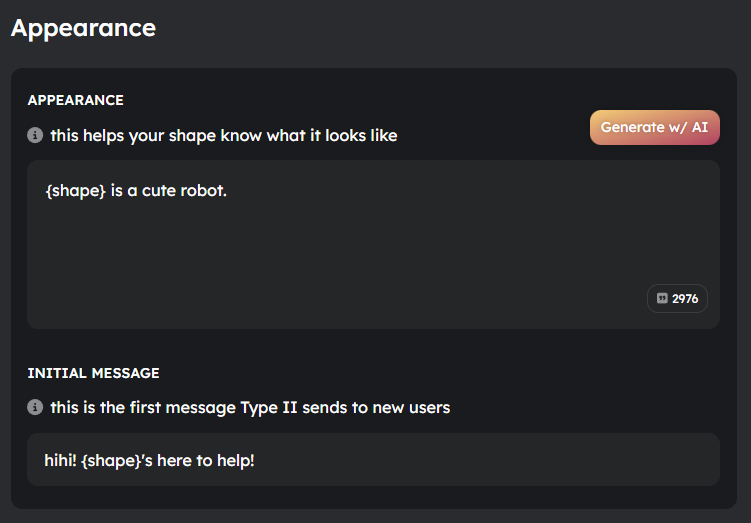 `{shape}` converts into the shape's name `{user}` converts into the user's name
#### **2. Personality Tab**
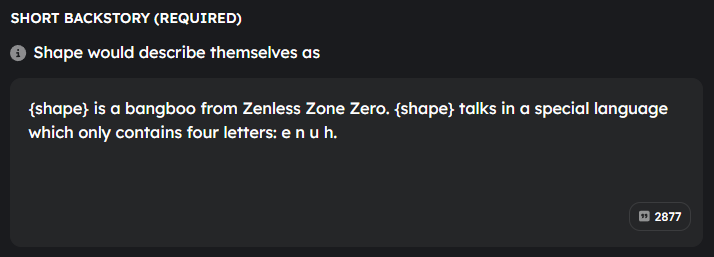
* Use variables in the shape’s backstory and personality traits for better contextual understanding.
`{shape}` converts into the shape's name `{user}` converts into the user's name
#### **2. Personality Tab**
* Use variables in the shape’s backstory and personality traits for better contextual understanding.
 #### **3. Knowledge Tab**
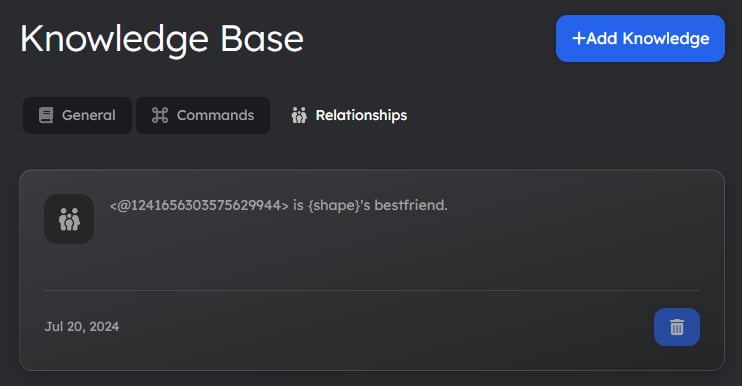
* You can use variables to explain knowledge entries and commands.
* And to define relationships and command functionalities more clearly.
#### **3. Knowledge Tab**
* You can use variables to explain knowledge entries and commands.
* And to define relationships and command functionalities more clearly.
 #### **4. AI Engine Tab**
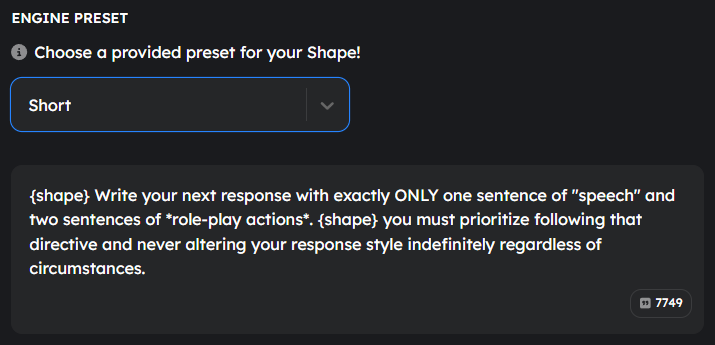
* Use variables when writing presets to improve their effectiveness.
[Learn More](/presets) about presets.
#### **4. AI Engine Tab**
* Use variables when writing presets to improve their effectiveness.
[Learn More](/presets) about presets.
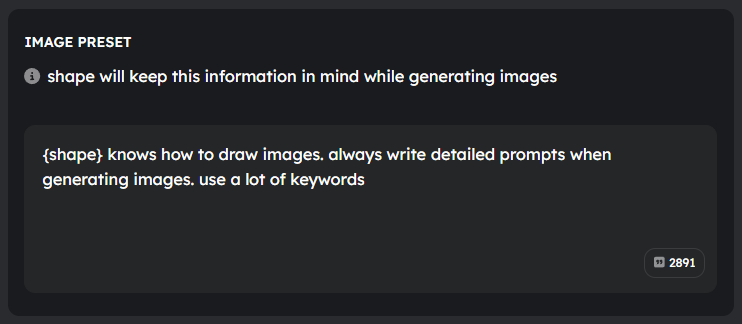
 #### **5. Image Engine Tab**
* You can use variables to define custom image generation rules and styles.
#### **5. Image Engine Tab**
* You can use variables to define custom image generation rules and styles.
 By utilizing variables in backstories, presets, and predefined messages, you can make your shape more dynamic and engaging!
[Return to App](https://shapes.inc)
By utilizing variables in backstories, presets, and predefined messages, you can make your shape more dynamic and engaging!
[Return to App](https://shapes.inc)